


If you're not a billing manger for the organization, ask your client to have an owner of the organization add you to the organization as a billing manager.
Tip: Billing managers can also change the organization's number of paid seats anytime.
Updating your organization's credit card
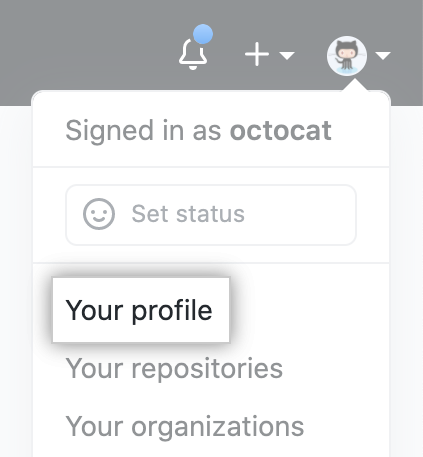
- In the top right corner of GitHub, click your profile photo, then click Your profile.
- On the left side of your profile page, under "Organizations", click the icon for your organization.

- Under your organization name, click Settings.

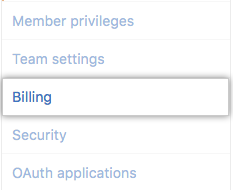
- In your organization's Settings sidebar, click Billing.
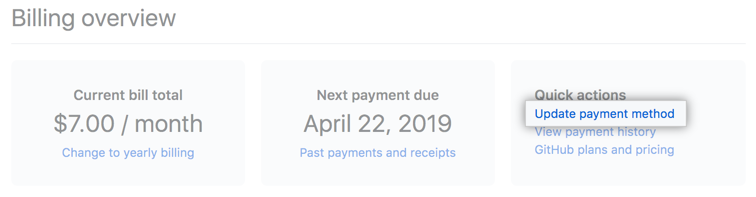
- Under "Billing overview", click Update payment method.
- Type your new credit card information in the secure form.
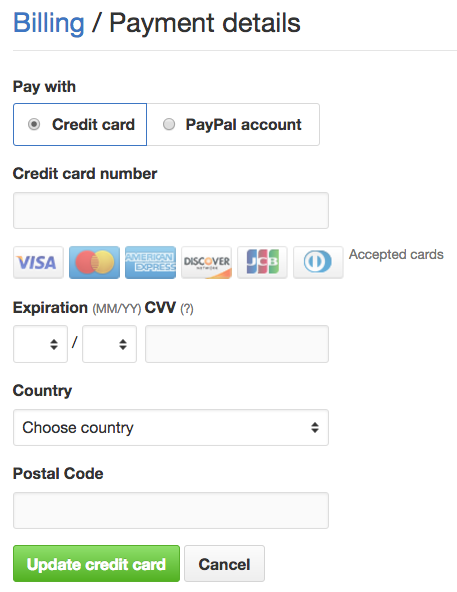
- Click Update credit card or Save credit card.
